
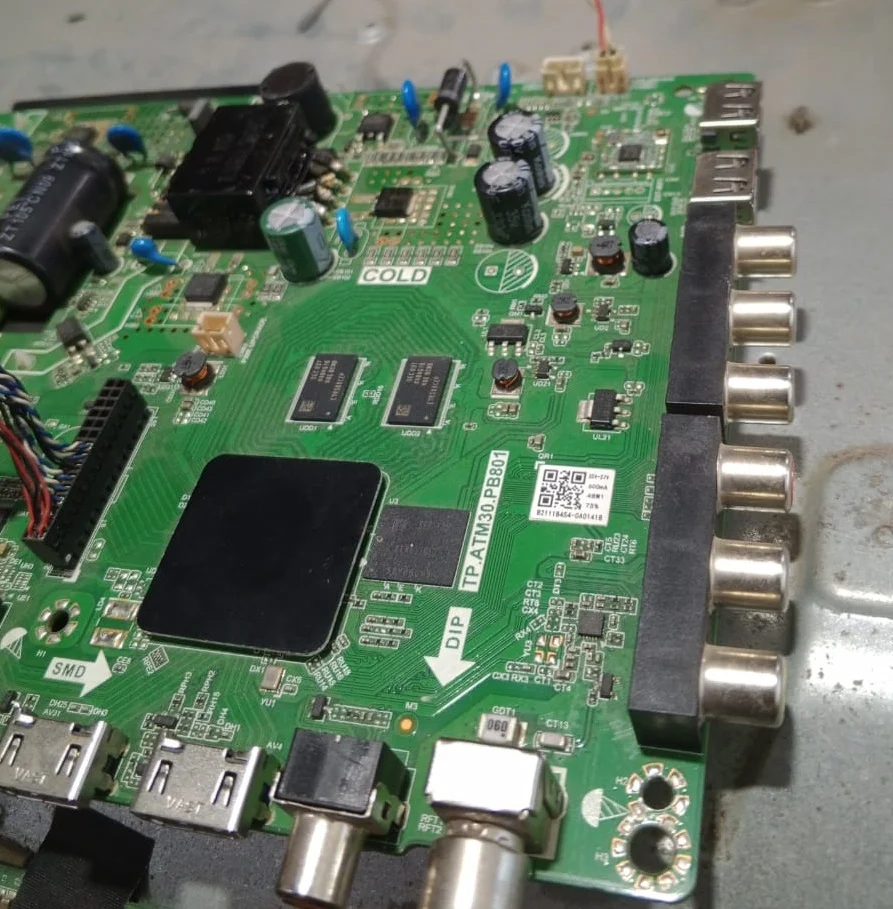
Download TP.ATM30.PB801 1GB 8GB Software
In today’s digital landscape, downloading software can sometimes be challenging. If you’re looking to download the TP.Atm30.PB801 software, which is around 1GB in size and compatible with 8GB devices, this guide will provide you with all the necessary details.
Why Download TP.Atm30.PB801?
The TP.ATM30.PB801 1GB 8GB Software is essential for users who need reliable management of their ATM services. This software is known for its efficiency and functionality, making it a popular choice among professionals in the financial sector. It aids in handling transactions, monitoring system performance, and ensuring data security.
Steps to Download the Software
To download the TP.ATM30.PB801 1GB 8GB Software, follow these simple steps:
- Visit the official website https://software-zon.com/
- Search for “TP.Atm30.PB801 1GB” in the search bar to locate the software.
- Ensure the site provides a secure link by checking for HTTPS.
- Click on the download button and wait for the file to be downloaded to your device.
- Once downloaded, follow the installation instructions to complete the process.
Always ensure you’re downloading from a reputable source to avoid issues with malware or corrupted files.
install software
You will download the rar file and extract it use usb 3.0 16GB 32GB Formate usb in fat32
Copy the allupgrade_aml920_8G_1G_mxl661_61.img file in USB and attach it to the tv and plugin power software update will start
if not install rename the file
allupgrade_aml920_8G_1G_mxl661_sos.img
allupgrade_aml920_8G_1G_multi_sos.img
allupgrade_aml920android9_801F_8G_1G_multi_sos.img
 Software zone