
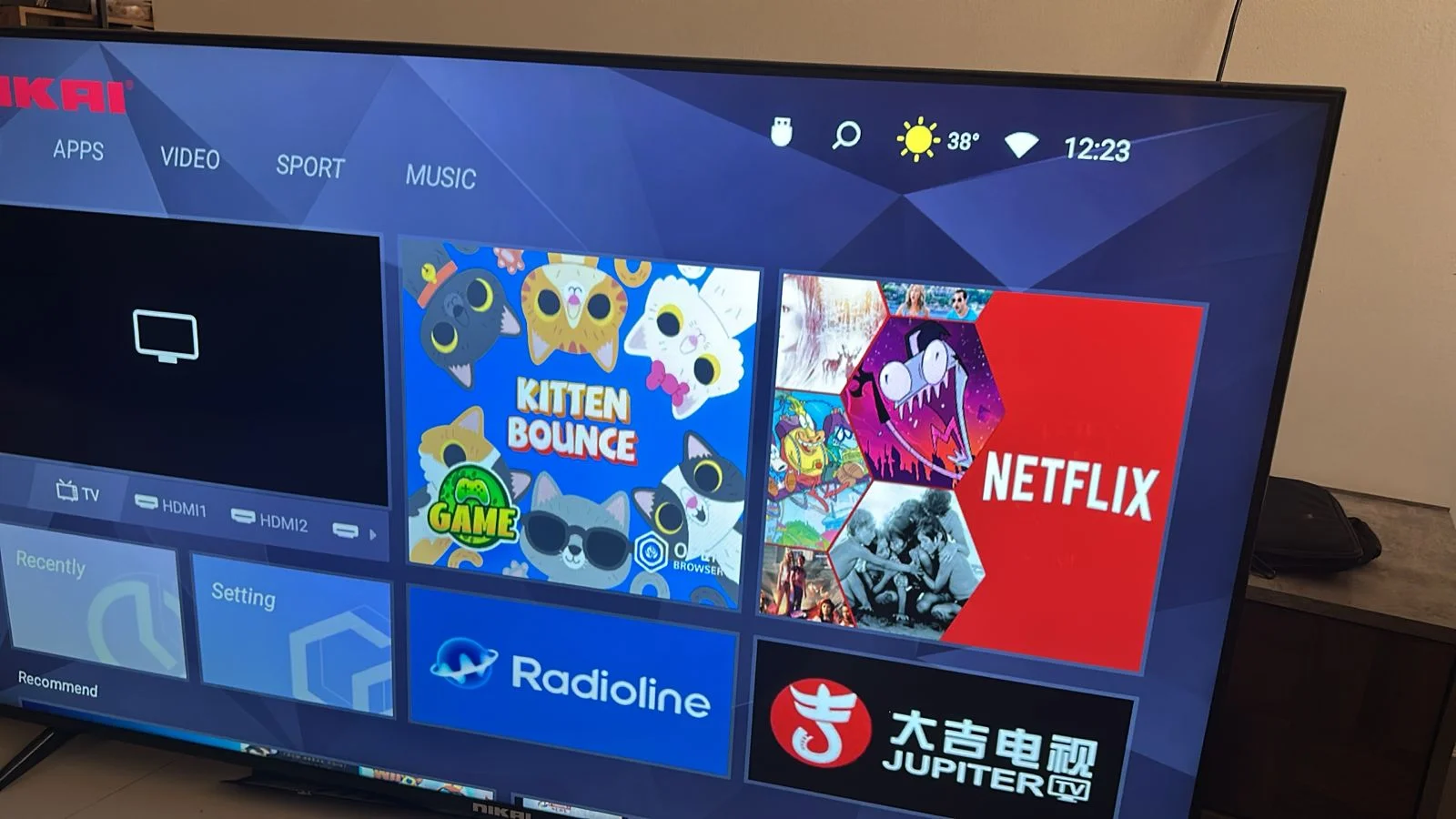
CV9632-B55 Nikai UHD65SLED4-FL Firmware
Original price was: ₨ 2,970.00.₨ 2,700.00Current price is: ₨ 2,700.00.
CV9632-B55 Nikai UHD65SLED4-FL Firmware
Rem/Memory: 1GB
Rom/Storage: 8GB
Brand : Nikai Smart tv
Model: UHD65SLED4-FL
Mein board: CV9632-B55
USB Updatable firmware

Description
CV9632-B55 Nikai UHD65SLED4-FL Firmware
The CV9632-B55 Nikai UHD65SLED4-F firmware is an integral part of the functionality of this television model. Understanding the features and updates associated with this firmware can significantly enhance your viewing experience. This post will provide insights into its capabilities, updates, and support options available for users.
Key Features of the CV9632-B55 Firmware
The CV9632-B55 firmware facilitates various features that optimize the performance of the Nikai UHD65SLED4-F model. Users can enjoy enhanced video quality, better audio output, and improved connectivity options. Firmware updates often include bug fixes, performance enhancements, and sometimes new features that enhance overall functionality.
How to Update the Firmware
Updating the CV9632-B55 firmware can seem daunting, but it is a straightforward process. Typically, users can download the latest firmware version from the manufacturer’s website. Installing updates is usually done via USB or through the TV’s settings menu. Regular updates are recommended to ensure you have the most stable and secure software for your device.
You will download the rar file and extract it use usb 3.0 16GB 32GB Formate usb in fat32 Copy the CtvUpgrade.bin file in USB and attach it to the tv perss and hold power button on tv plugin power software update will start
For panel devision: Menu 1147 enter adjust screen parameters change VBO data maping and scroll down click on save
 Software zone